


How data moves through the system
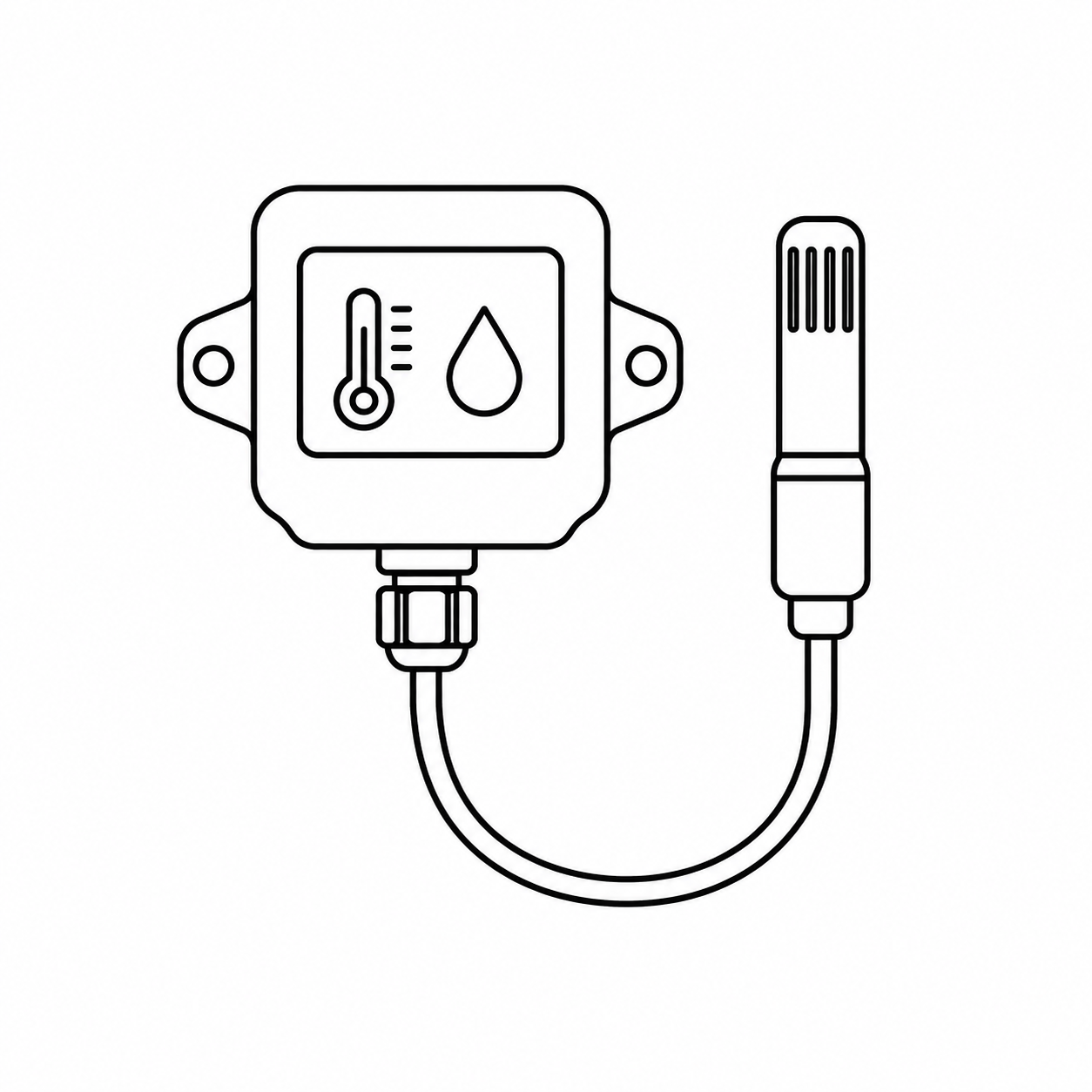
- Sensors measure temperature and other relevant parameters.
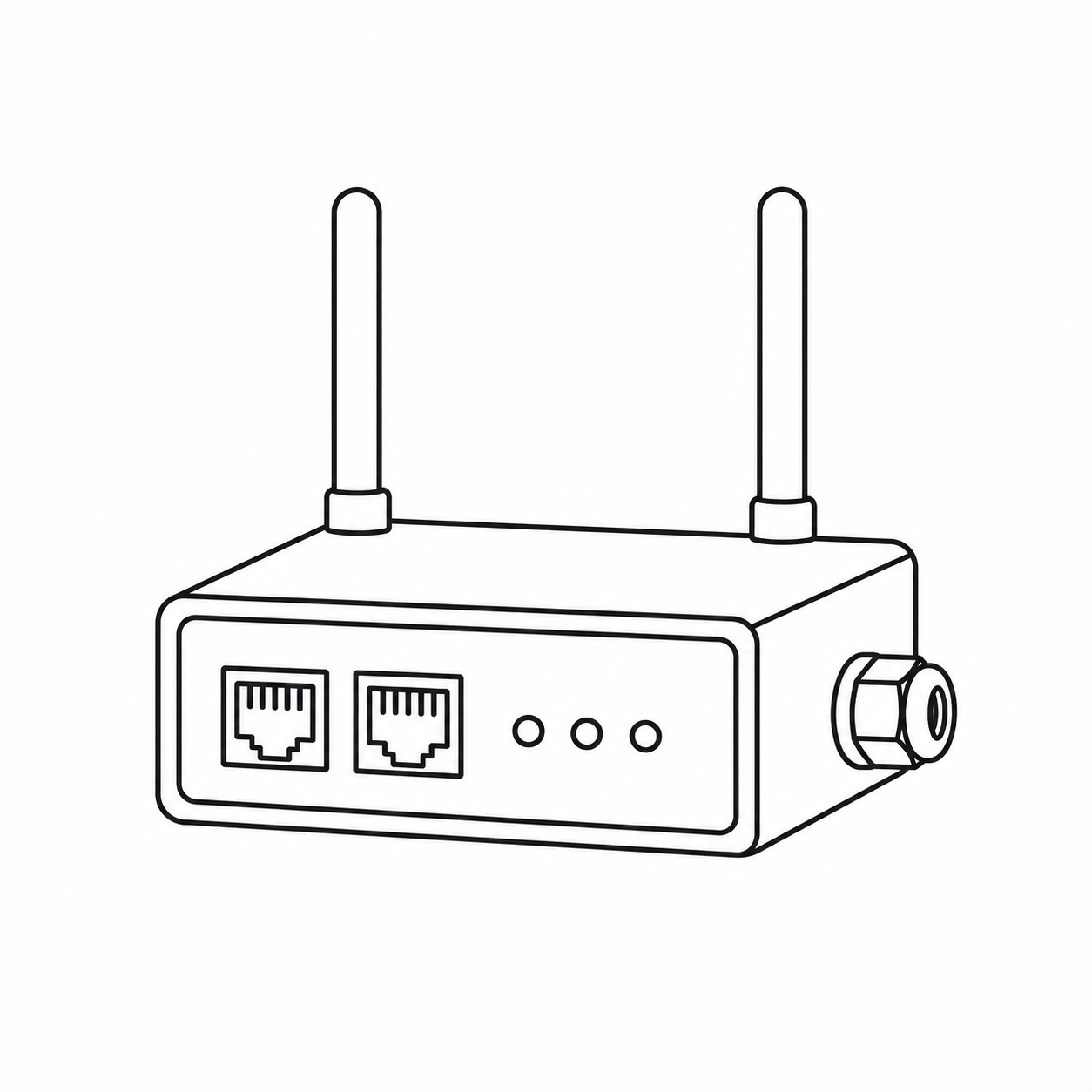
- A controller or gateway collects and transmits readings.
- The software platform stores and displays the data.
- A rules engine evaluates readings against configured limits, delays and conditions.
- Alerts reach the appropriate recipients.
- Response and documentation close the event-management loop.
The value is not in the sensor alone. It comes from suitable placement, reliable communications, useful alert rules, a defined response process and data that can be retrieved and analysed.
Sensor location matters
Temperature is not necessarily uniform throughout a space. Doors, evaporators, height, loading patterns, shelving, airflow and seasonal conditions can create different zones. WHO temperature-mapping guidance describes mapping as a process for establishing temperature distribution and locating hot and cold spots. Mapping results can therefore support the selection of permanent monitoring locations.
Sensor position should not be selected only for installation convenience. Important controlled spaces should be assessed using professional specification, mapping results, historical evidence and risk.
What makes an alert useful?
An alert should be clear, actionable and directed to someone able to respond. Excessive irrelevant alarms may create alarm fatigue and reduce attention to important events.
Define the operating range, any permitted delay, first recipient, escalation path, communication channels, out-of-hours response, event closure and the response to power or communication loss. These settings should follow product requirements, procedures and risk—not generic defaults.
Calibration, mapping and monitoring are different
- Calibration evaluates and documents measurement performance against reference equipment.
- Temperature mapping evaluates distribution within a defined space and study condition.
- Continuous monitoring follows operational conditions over time and applies alert rules.
A robust system combines appropriately calibrated sensors, locations informed by mapping and risk assessment, and monitoring software that manages records and alerts.
Reassessment after change
WHO guidance notes that remapping may be justified after significant changes to use, loading, airflow or refrigeration equipment, or when monitoring records show unexplained variation outside normal operating limits.
Monitoring arrangements should also be reassessed after layout changes, new partitions or refrigeration equipment, major occupancy changes, sensor relocation, controller or communications replacement, or repeated unexplained events.
Questions before selecting a system
- What must be measured, and at how many points?
- What happens during loss of power or connectivity?
- How long is data retained and how is it exported?
- Are user permissions and action records available?
- How are alerts and escalations configured?
- Who maintains sensors, batteries and communications?
- How are calibration and renewal managed?
- Can the system scale later?
ENDISENSE connects field sensors with dashboards, history, reports and alerts. Every implementation should be specified around the site, measurement points, communications, response requirements and intended use of the data.
Monitoring cannot guarantee that an excursion will never occur. It provides visibility, evidence and notification so that the organization can respond under its defined procedure.
Specify a system: Explore ENDISENSE.
Need mapping or calibration? Visit ENDI Laboratory.