ENDI Laboratory
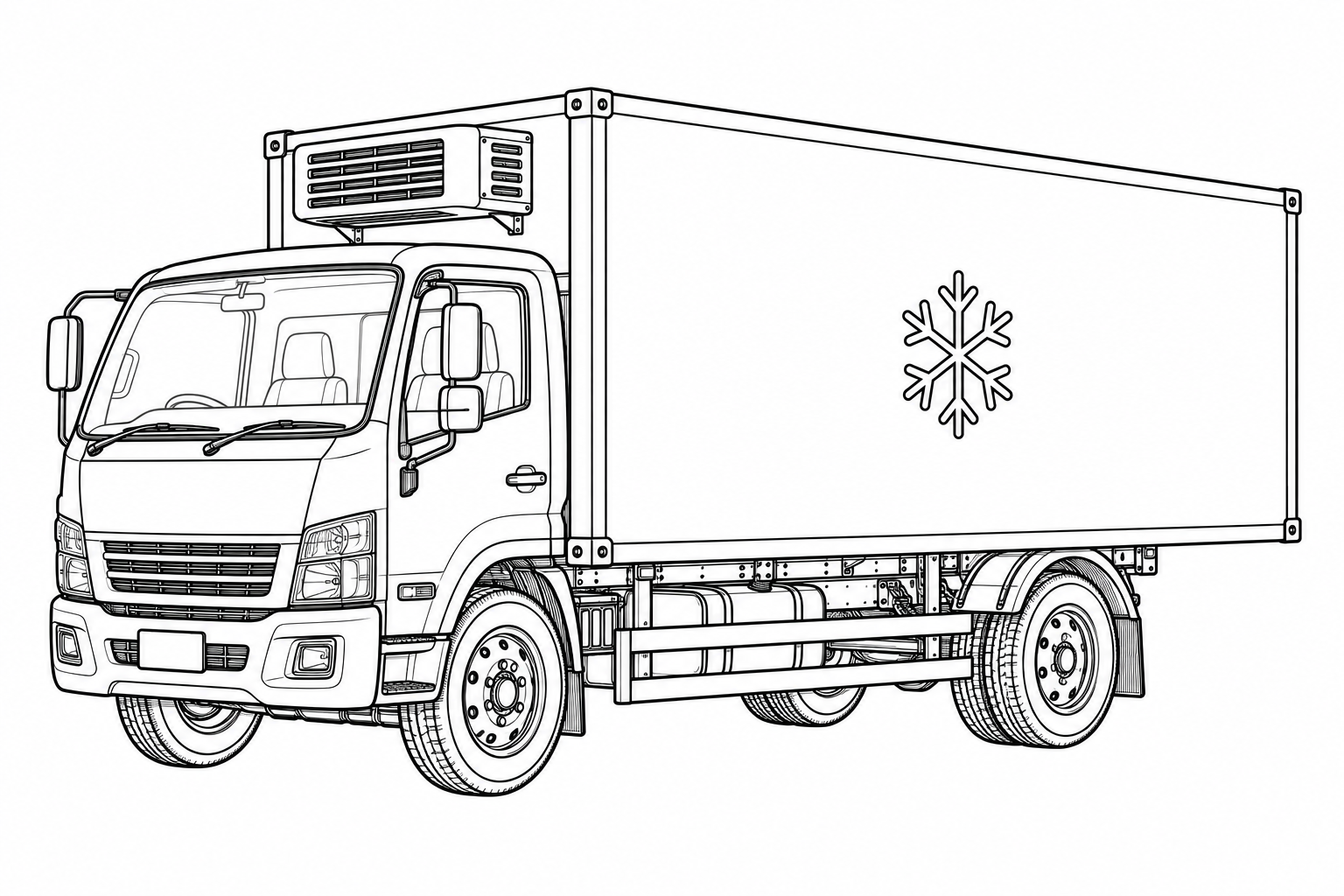
Vehicle calibration: compare, record, interpret
Learn what refrigerated-vehicle temperature-system calibration covers, how to prepare the vehicle and how calibration differs from refrigeration repair.
ENDI KNOWLEDGE
Practical articles and visual explanations. Choose a field, follow the process and see how the pieces connect.
ARTICLES AND DIAGRAMS
ENDI Laboratory
Learn what refrigerated-vehicle temperature-system calibration covers, how to prepare the vehicle and how calibration differs from refrigeration repair.
ENDI Laboratory
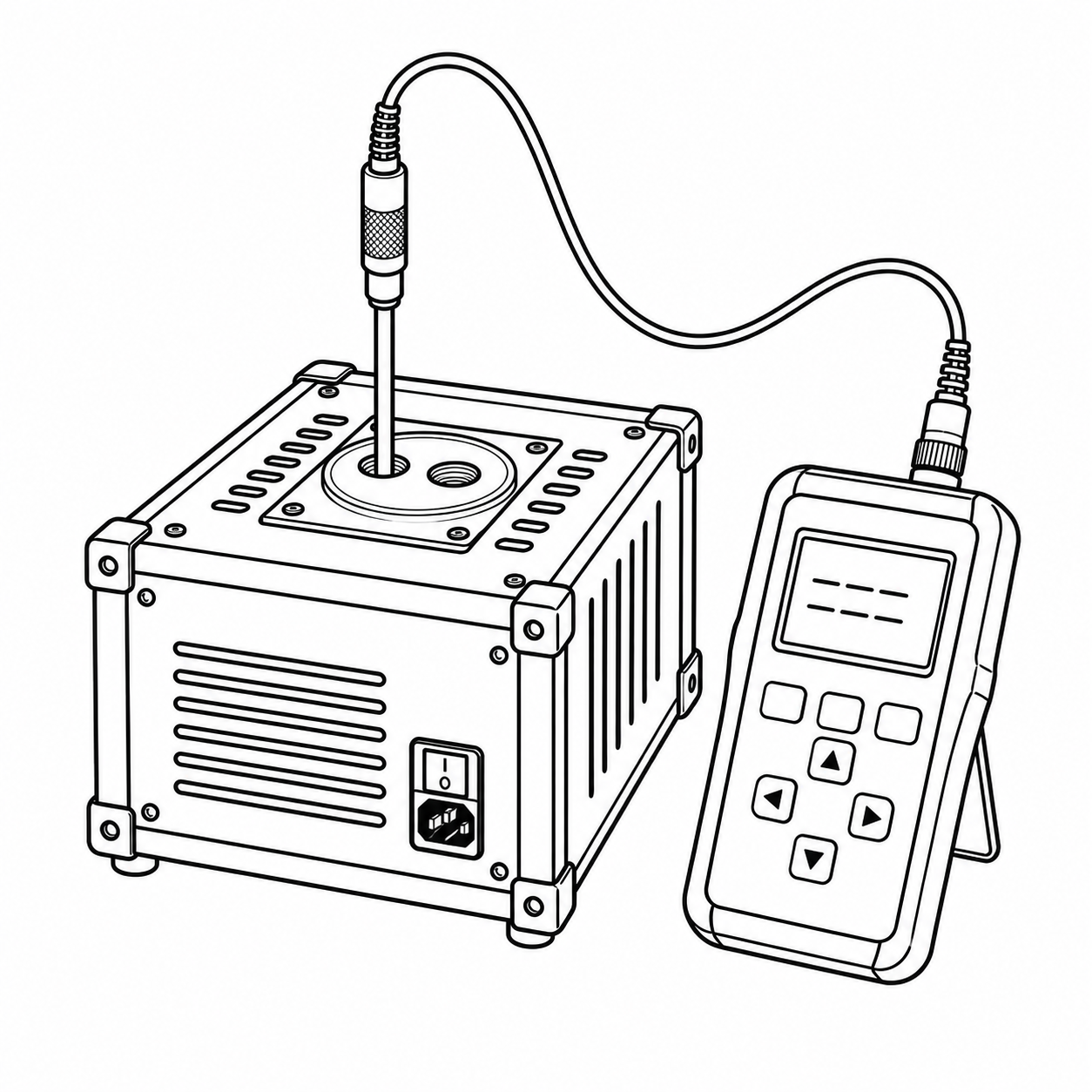
Understand what calibration measures, what adjustment changes and what verification decides before specifying work on a measuring instrument.
ENDI Laboratory
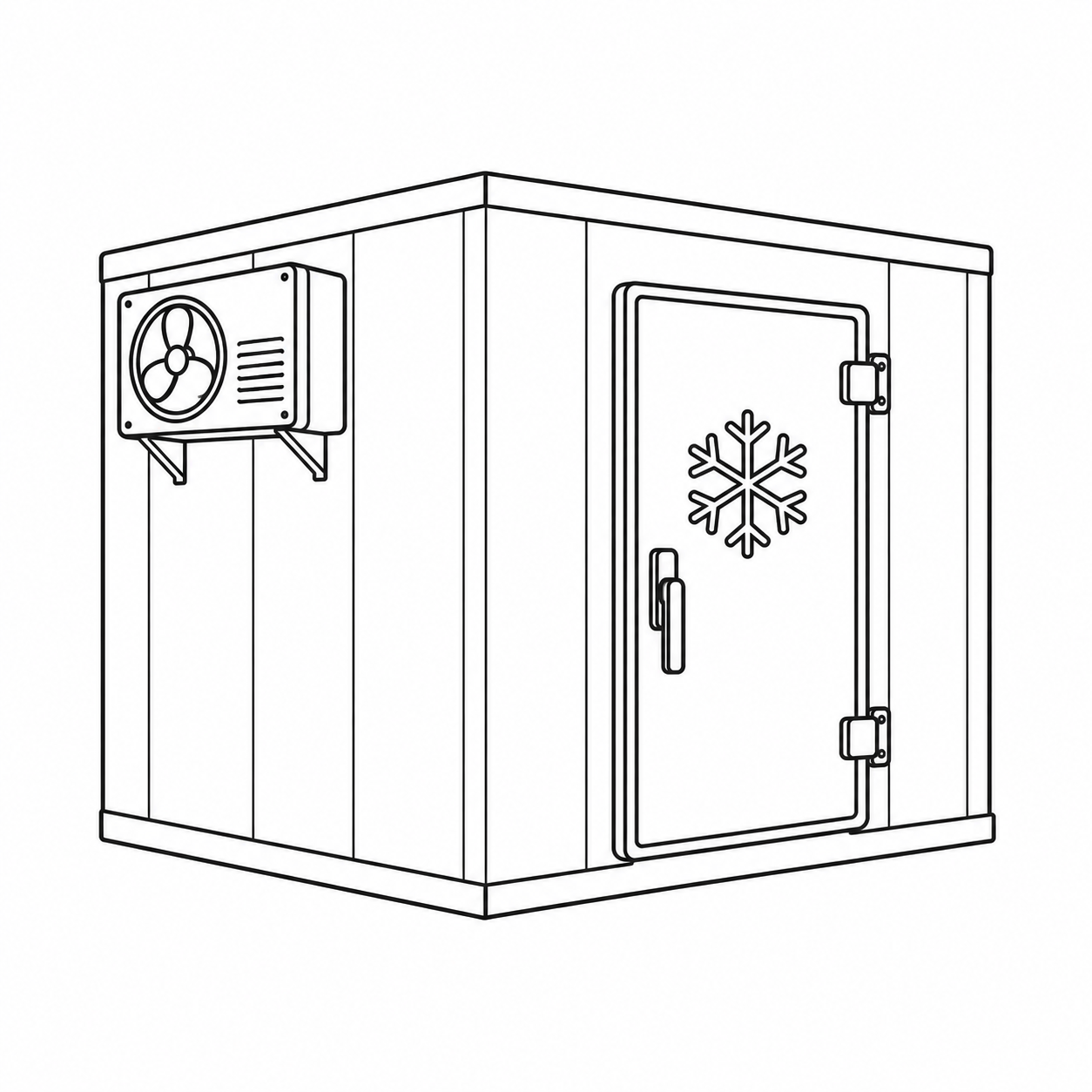
One display cannot describe an entire storage room. Learn what temperature mapping investigates and how to prepare a useful study brief.
ARTICLES AND DIAGRAMS
ENDISENSE
How continuous monitoring collects data, generates alerts and supports decisions in cold rooms, warehouses and refrigerated vehicles.
ENDISENSE
Define useful alarm thresholds, delays, recovery conditions and response ownership around the process rather than a default setting.
ENDISENSE
Measurement, storage and transmission are separate functions. Define what continues during an outage and how to review data after reconnection.
ARTICLES AND DIAGRAMS
ENDI AIR
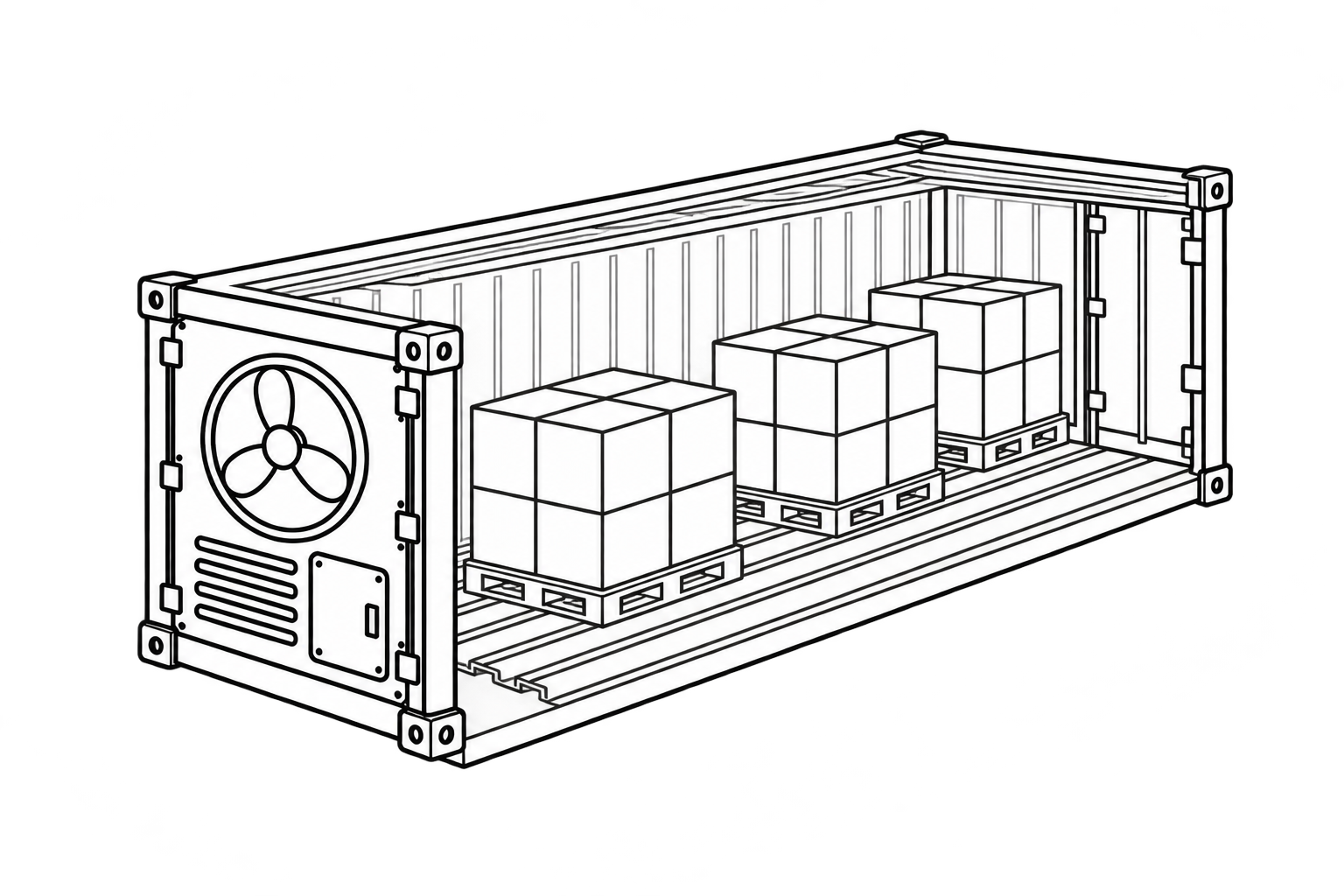
Why the evaporator, T-floor and return-air path must remain clear, and which checks matter before loading temperature-sensitive cargo.
ENDI AIR
Prepare a clear handover record covering container identity, condition, documents and intended use before acceptance.
ENDI AIR
Prepare model, serial, part-reference and photograph details for a focused refrigeration-unit spare-parts enquiry.
ARTICLES AND DIAGRAMS
Three scenarios illustrating a workflow; these are not documented customer projects.
Illustrative use cases
An illustrative workflow connecting room layout, measurements and operating context to a documented monitoring-location decision.
Illustrative use cases
An illustrative transition covering location identities, notification ownership, acceptance checks and an ongoing response routine.
Illustrative use cases
An illustrative workflow separating monitoring alerts, evidence collection, professional diagnosis and cargo-related decisions.
Start here
Key differences and questions to ask before purchasing or renting a container.
Read the guide →Safe first checks before calling a technician—and what not to repair yourself.
Read the guide →Survey objectives, documentation and information to prepare in advance.
Read the guide →Website information is general. Contact ENDI for a specific container, fault or cargo.
Ask a specialist