The airflow path
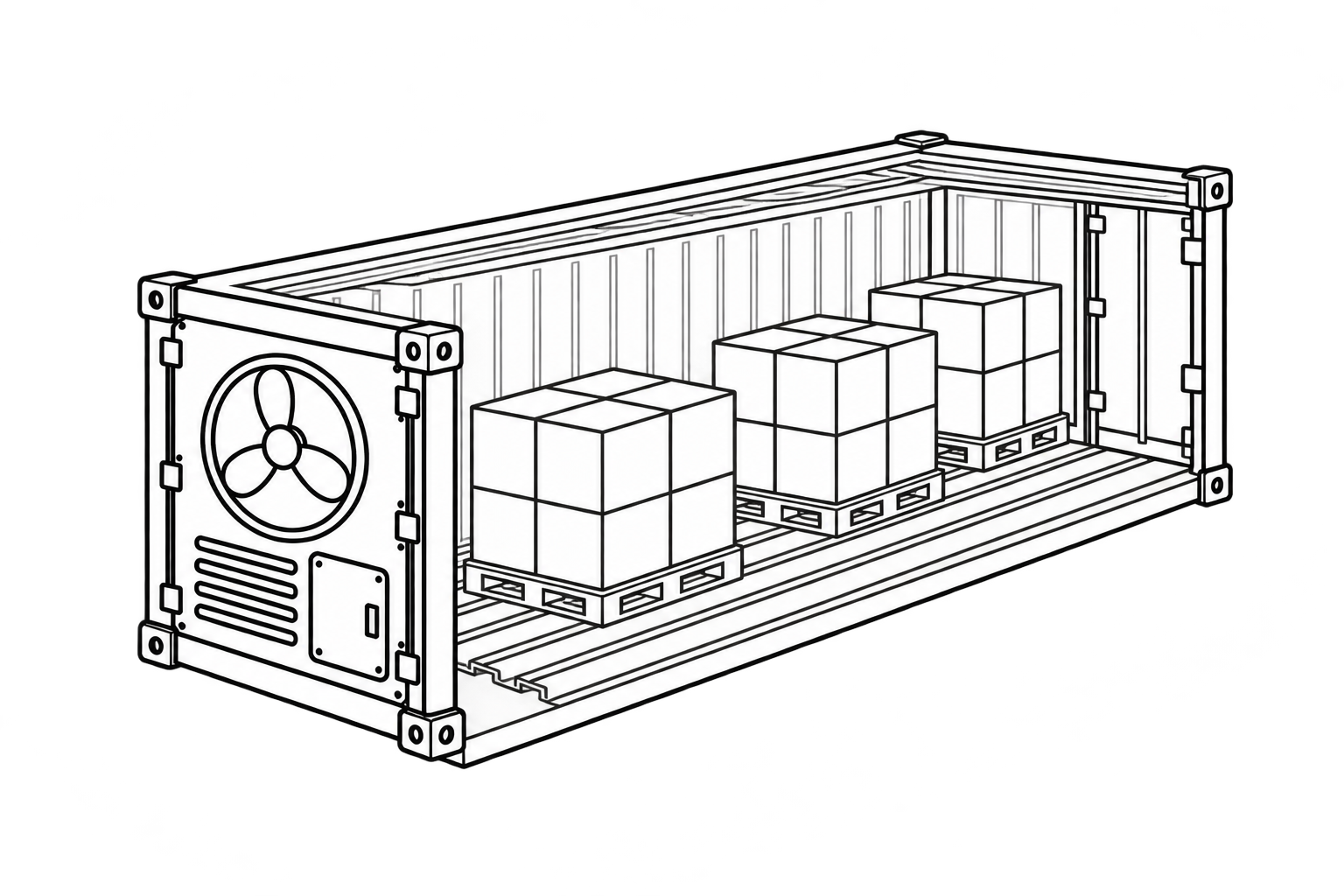
In many reefer containers, conditioned air travels along the T-floor channels, rises through or around the load according to the cargo and stowage arrangement, and returns above the cargo to the refrigeration unit. Respiring chilled produce may need airflow through the packages; appropriately pre-cooled frozen cargo generally needs circulation around the load. Exact arrangements vary by equipment and cargo, so manufacturer instructions and cargo-specific loading guidance take priority.
The path must remain open beneath the load, through suitable package or pallet arrangements, at the end of the load, above the cargo and around the supply and return openings.
T-floor channels and airflow control
The T-floor channels carry air beneath the cargo. Debris, packaging entering the channels or floor damage can obstruct that path. Blocking a channel differs from deliberately covering unused floor areas: MSC guidance recommends suitable covering in relevant loading arrangements to prevent air from bypassing the cargo. The covering and stowage arrangement must follow the cargo type, packaging and loading instructions; one rule does not apply to every chilled or frozen load. Check that the floor is clean, channels are clear and visible damage will not interfere with airflow or load placement.
Do not block the evaporator or return air
Carrier Transicold’s loading guidance warns against obstructing the evaporator and loading to the ceiling in a way that creates short cycling. Air may return to the unit before travelling through the full load, leaving remote zones with less circulation.
Follow the load line and clearances specified for the particular equipment and cargo rather than applying one universal dimension.
Load cargo at the required temperature
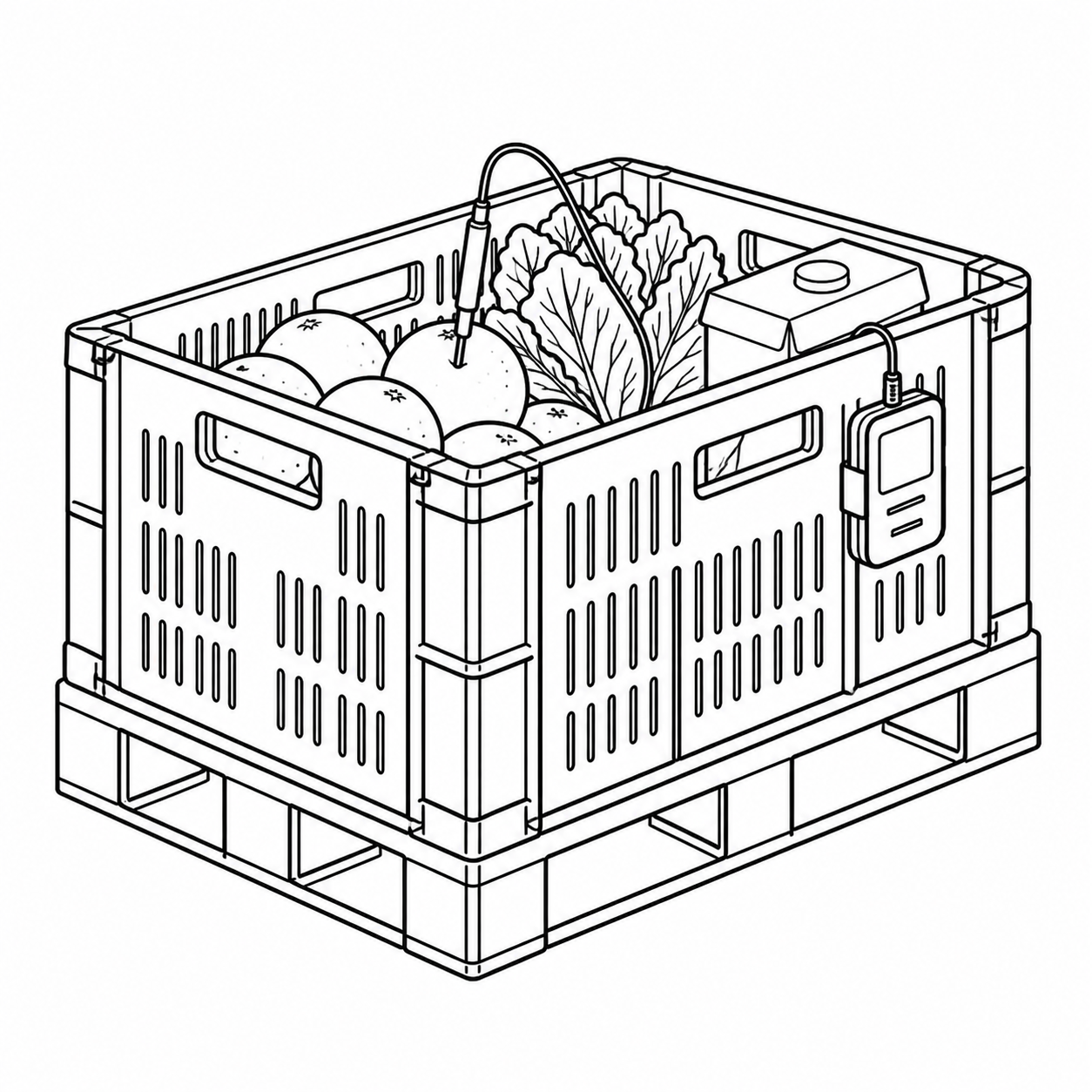
Carrier guidance states that product should be loaded at the correct temperature. A reefer unit is primarily used to maintain defined transport conditions; it may not be designed to pull down the temperature of warm product quickly.
Warm cargo adds a substantial heat load. Air near a sensor may cool before the product core responds. Product temperature, loading-bay conditions and exposure time should therefore be coordinated before loading.
Door openings change conditions
Opening the doors introduces warm, humid air. The duration, frequency and ambient conditions affect the result. Incoming moisture can contribute to ice formation and reduce airflow across the evaporator. Prepare the cargo and documents in advance, minimise opening time and follow the operating procedure for the unit and site.
Five checks before loading
- Clean internal floor, walls, ceiling and doors.
- Clear T-floor channels, supply and return openings and evaporator area.
- Sound door seals and correct closure.
- Cargo at the temperature required by the process.
- Set point, operating mode, ventilation requirements and cargo instructions confirmed by the responsible party.
These checks do not replace a pre-trip inspection, technician assessment or manufacturer instructions. Stop and obtain professional assistance if there is an alarm, structural damage or unexpected unit performance.
Data and cargo investigations
Controller and logger data may help establish when an event began and compare available set-point, supply-air, return-air and door information. Data alone may not prove product temperature at every point.
For a damage investigation, retain downloaded data, cargo photographs, transport documents, loading and unloading times and container-condition evidence. A professional surveyor can assess the findings under the agreed scope.
ENDI AIR provides reefer-container repair and maintenance, parts sales and professional advice for technicians and service personnel.
Service and advice: Reefer-container service, parts and advice.
Cargo or container survey: Marine surveys and inspections.